Failed to Top Up Balance/Package
Last updated, Mei 29, 2026
There are 2 types of top-up methods: electronic top-up and physical vouchers.
If you experience a failed top-up transaction, you can check and ensure the following:
If You Top Up Electronic Credit Through Online Channels
- Active Number: Make sure the destination number is still active (not expired/deactivated).
- Correct Number: Ensure the destination number is correct to avoid topping up the wrong number.
- SIM Card Inserted in Phone: To confirm whether the transaction is successful and the credit has been received, make sure the SIM card is inserted in the phone, as a notification will appear once the credit is successfully added.
- Network or Connection Issues: If you are using online channels such as e-commerce platforms or the Bima+ application, make sure you have a stable internet connection.
- Sufficient Balance: Ensure you have sufficient balance if the transaction is made through an online channel.
- Check Payment Status: Make sure the payment status shows “Success” and is not pending.
- Check Transaction History: After making the payment, check the transaction history in the application/channel used to confirm whether the transaction was successful or still pending.
If You Top Up Using a Physical Voucher
- Active Number: Make sure the destination number is still active (not expired/deactivated).
- SIM Card Inserted in Phone: Ensure the SIM card is inserted in the phone because the voucher code must be entered on the number that will receive the top-up.
- Check Voucher Validity Period: Make sure the physical voucher is still valid and has not expired.
- Enter the Code Correctly: When entering the voucher code, make sure all numbers are entered correctly without any mistakes.
If you have tried all the steps above but are still experiencing issues, you can contact customer service through the official Tri website or visit the nearest 3Store in your city.
Click the links below for more information:
3Store Locations: care.tri.co.id/store-locator
Official Website: care.tri.co.id
Apakah informasi ini membantu?
Kami Selalu Ada Untuk Kamu, Dengan Berbagai Cara

WhatsApp Official Tri

Aplikasi bima+
Temukan Lokasi Lokasi 3Store dan Layanan Tri Terdekat
Cari lokasi 3Store dan layanan Tri terdekat di kotamu, agent kami siap membantu kamu.
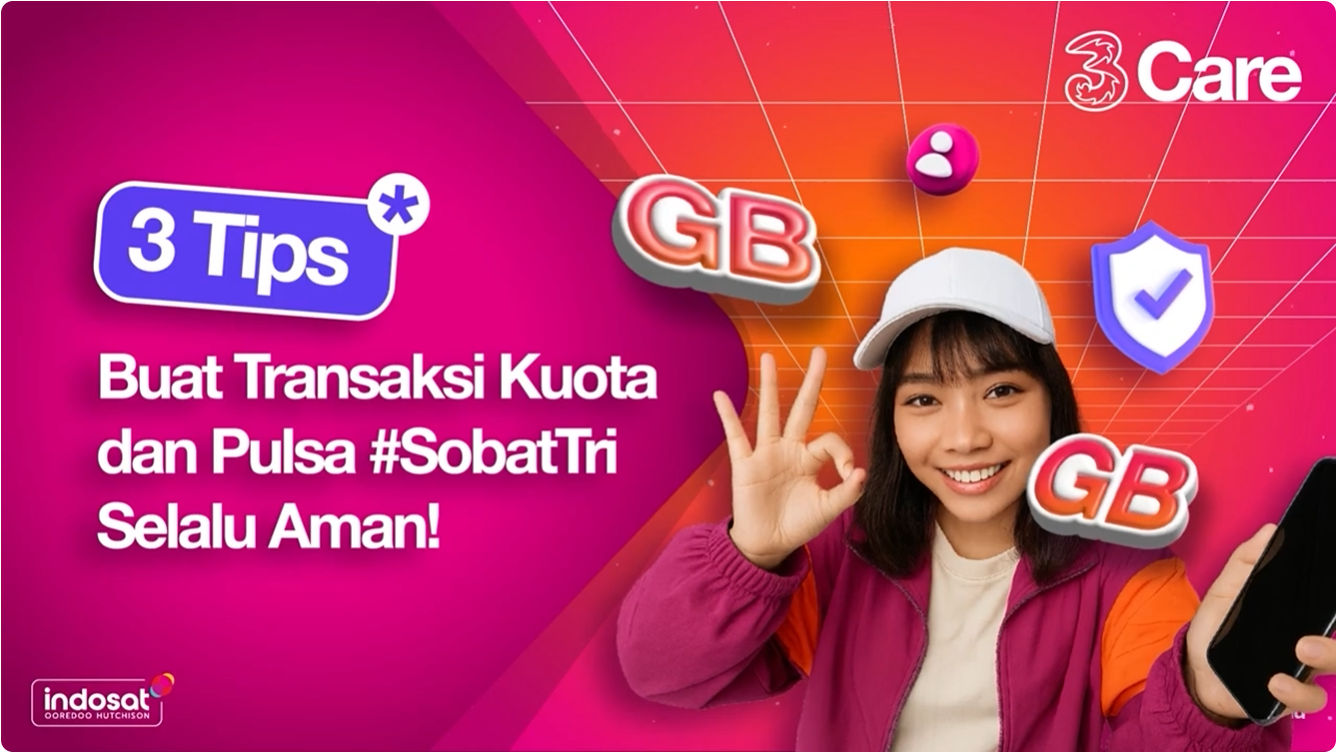
Tips dari Tri Indonesia
Layanan Pengaduan Konsumen / Hubungi Kami
PT. Indosat TBK
Email : Email : 3care@tri.co.id / No Telepon: 132
Direktorat Jenderal Perlindungan Konsumen dan Tertib Niaga
Kementrian Perdagangan Republik Indonesia
0853 1111 1010 (WhatsApp)
Perusahaan
PT Indosat Tbk © 2019 All Right Reserved